
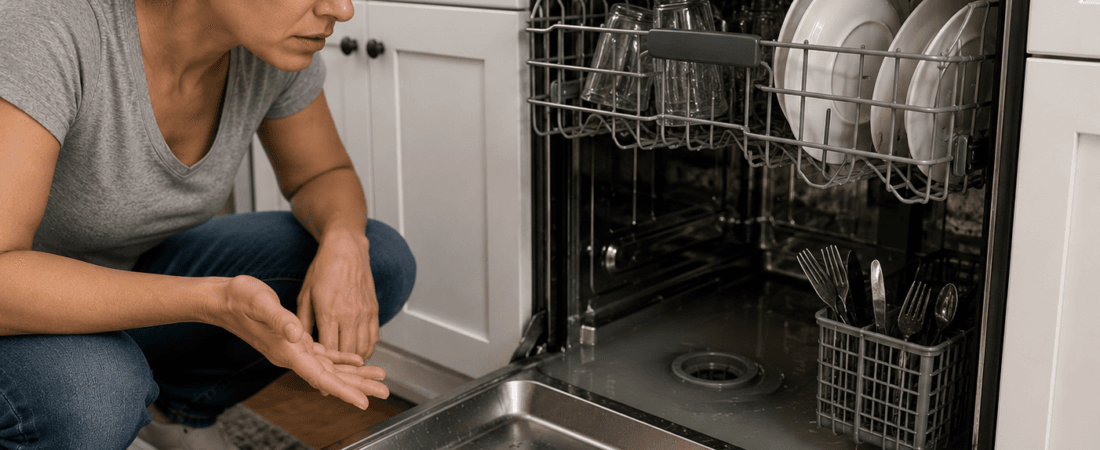
Opening the dishwasher and finding water sitting at the bottom does not necessarily mean the appliance has completely failed.
A small amount of water may be normal in some models, but significant standing water after a completed cycle deserves investigation.
1. Check Whether the Cycle Finished
Make sure the dishwasher was not accidentally stopped before completing its drain cycle.
Try the manufacturer’s cancel/drain function if available.
2. Check the Filter
Food particles and debris can collect in the dishwasher filter.
Follow the manufacturer’s instructions to remove and clean any user-serviceable filter.
3. Inspect the Bottom of the Dishwasher
Look for obvious food debris or objects around accessible drainage areas.
Do not reach into areas containing broken glass or sharp objects with bare hands.
4. Check the Drain Hose
Inspect the accessible portion of the drain hose for obvious kinks or crushing.
Its installation can affect drainage, so avoid changing the plumbing configuration without understanding the manufacturer’s requirements.
5. Consider the Kitchen Sink
Depending on the plumbing arrangement, a sink drainage problem may affect dishwasher drainage.
If the kitchen sink is also draining slowly, the issue may extend beyond the dishwasher itself.
6. Listen During the Drain Cycle
Unusual humming, grinding, or complete silence when the machine should drain may indicate a pump or blockage problem.
When Should You Call an Appliance Technician?
Consider professional service if:
- Significant water remains after each cycle
- The filter is clean but drainage remains poor
- The drain pump makes unusual noises
- Water backs up into the dishwasher
- The machine repeatedly displays a drain error
- Water begins leaking onto the floor
Persistent standing water can lead to odors and interfere with normal dishwasher operation.